Regarding Gruber and MagicPad

Gruber Said:

Regarding MagicPad, the upcoming iPhone notes app with text selection and copy/paste, a few readers have emailed to point out that Safari uses double-tap-and-release (tap, up, tap, up) for zooming, whereas MagicPad is using double-tap-and-hold (tap, up, tap, drag) for selection — and that so therefore there isn’t any conflict between those two gestures.

I just don’t see how typical iPhone users could be expected to make that distinction. On the Mac, double-clicking in text means “select this word,” whether you release the button after the second click or not. Single- vs. double-tapping is complicated enough for most people; double-tap-and-hold vs. double-tap-and-release would be baffling.

Is he serious? I’m beginning to think this is one of those I’ve-already-been-corrected-but-just-have-to-continue-arguing-just-to-make-it-seem-like-I-still-make-sense arguments.

Don’t get me wrong, I have the utmost respect for the guy as far as UI design goes – but seriously, this is just ridiculous.

Read More

Zoom, just one look…

… and then my heart went boom!

Remember that song? Well, it doesn’t really have anything to do with this post apart from the reference of the word “zoom.” (and personally, my heart did go “boom” when I saw the awesomeness of what I’m about to discuss).

I’ve implemented a new “lightboxing” system in my site using the FancyZoom script.

For the uninitiated, a the term lightbox has its etymology rooted in photography, but sufficed to say, in “internet” lingo, it’s a script which is commonly used for toggling image magnification without having to leave the current page. I’ve been using it in my site almost every time I use a thumbnail (which will be demonstrated in a while). For a quick sample though, click right here.

Oh and if you’re reading this via RSS reader, I’d suggest you visit the actual page for this entry, else none of this will work.

Read More

1Password

Arguably the most useful application on the Mac, the mobile version of 1Password can now be found on the AppStore.

Gotta be honest here… if I didn’t already have an iPhone, it’s applications like this that’ll make me want to get one asap – it’s just so fucking useful.

For the uninitiated, 1Password, in it’s most basic form is a password storage application. Much like Firefox’s password manager, or the Apple Keychain built right into OSX.

The reason why it so much better though, the reason why I myself have purchased the application despite my ability to easily source a pirated license, is how well thought out the whole application is. It’s one of those things that just clicks with you once you start using it… and you suddenly find out that you can’t live without it. Read More

Up in the Cloud

Yes, it’s intentionally singular.

For the uninitiated, “the Cloud” is the intarwebz; and just as .Mac or MobleMe would want to host your data in the Cloud, I found myself recently trying to accomplish the same thing.

This will be a long post, but I can say with a certain degree of confidence that the information here can be very useful should it be applicable to you.

Read More

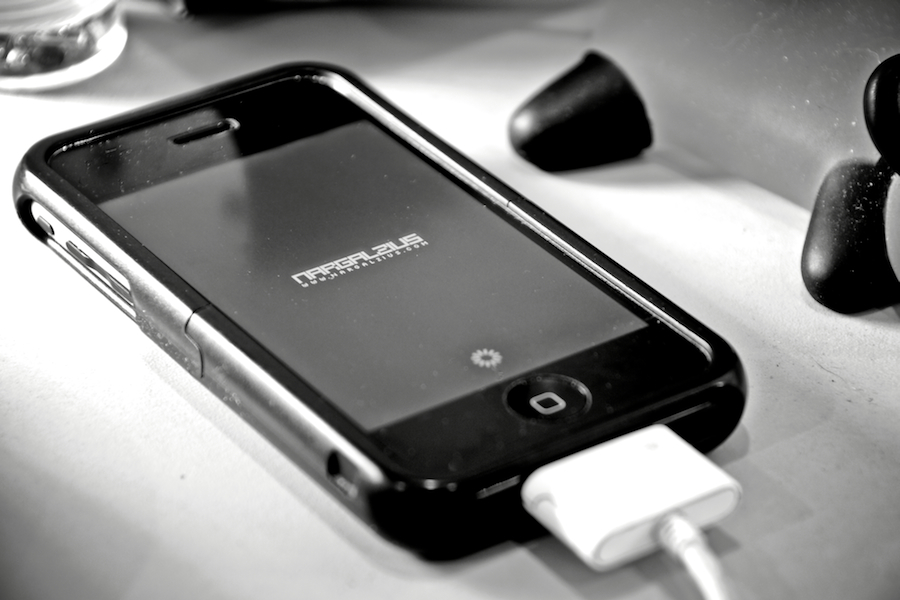
Mobile OSX 2.0


v2.0… jailbroken… unlocked.

I’ll be editing this post as soon as I gather most of my thoughts about the whole experience… be sure to check back if you’re interested in the iPhone and the new OS. Ok, here we go… Read More