
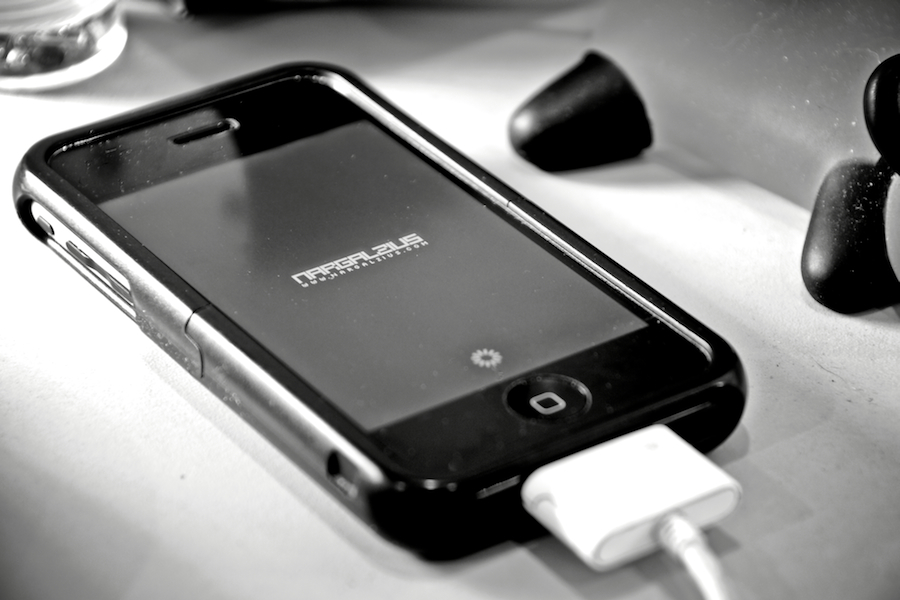
v2.0… jailbroken… unlocked.
I’ll be editing this post as soon as I gather most of my thoughts about the whole experience… be sure to check back if you’re interested in the iPhone and the new OS. Ok, here we go… Read More
I’ll be editing this post as soon as I gather most of my thoughts about the whole experience… be sure to check back if you’re interested in the iPhone and the new OS. Ok, here we go… Read More

So I decided to ditch Vista from my PC’s triple boot setup and put OS X in place of it.
Basically what I wanted was to use Aperture on my desktop because it was dog slow on my Macbook Pro.
Now that the installation was a success, it would be perfect for graphics editing in general (Apple always did graphics better… with the exception of graphics performance in gaming)
So now I’ve got 2 XPs (one for work, another for my Digital Audio Workstation), and OS X for heavy duty photo editing via Aperture and probably general use now that I’ve experienced just how fast it is. Read More
One problem I experienced with my Time Capsule (TC) is because it’s basically a NAS, you really don’t have true “superuser/root” access to it.
I experienced this problem when I was fiddling with a hack on putting an Aperture Vault on a network share. Aperture by default doesn’t allow you to create a vault in such a location; but you can always move it to one (and point Aperture to it) afterwards.
What you should NOT do however, is remove and delete that vault via Aperture because it will, quite literally, fuck up the file permissions. Even a sudo command cannot vanquish this evil that we have just unwittingly created.
Here’s a description I found on the net which was exactly what I experienced (and I paraphrased it):
… the folder locks, and unlocks whenever the goddamn thing feels like it
So its locked, I go into “get info”, and I deselect the lock checkbox, .5 seconds later, the thing locks it up by itself, and if I get it unlocked if I just click on the folder, it locks up, or the lock will appear, then disappear. I restarted the TC, no hope.
Basically, I have this folder on my TC, that is beyond delete-ability, and plays stupid folder games.
DJ and I were shooting the breeze and we got to talking about GTD… and ultimately what potential role Apple apps could play in getting your life organized.
I personally don’t use the GTD method, as I usually get things done either way. I’m probably not as streamlined/efficient as people who actually use GTD methods, but I’ve always thought that those methods were for people who needed to get things done – so if you’re getting things done anyway, why bother? But I digress.
After getting my Time Capsule, I’ve now started using Time Machine (TM) to backup my data.
The “image” file TM uses is variable. Upon the creation and first backup; it starts out small (or whatever size the data you’ve just backed up). It does however grow over time as it tries to retain copies of old files as well. So basically the bigger the space it can work with, the further “back in time” you could restore your files as it were.
Now that’s all fine and dandy, but they should really give the user an option to specify how big they allow this image to be. And I’ll explain in a sec why this is something you’d want… as well as how to accomplish it. Read More